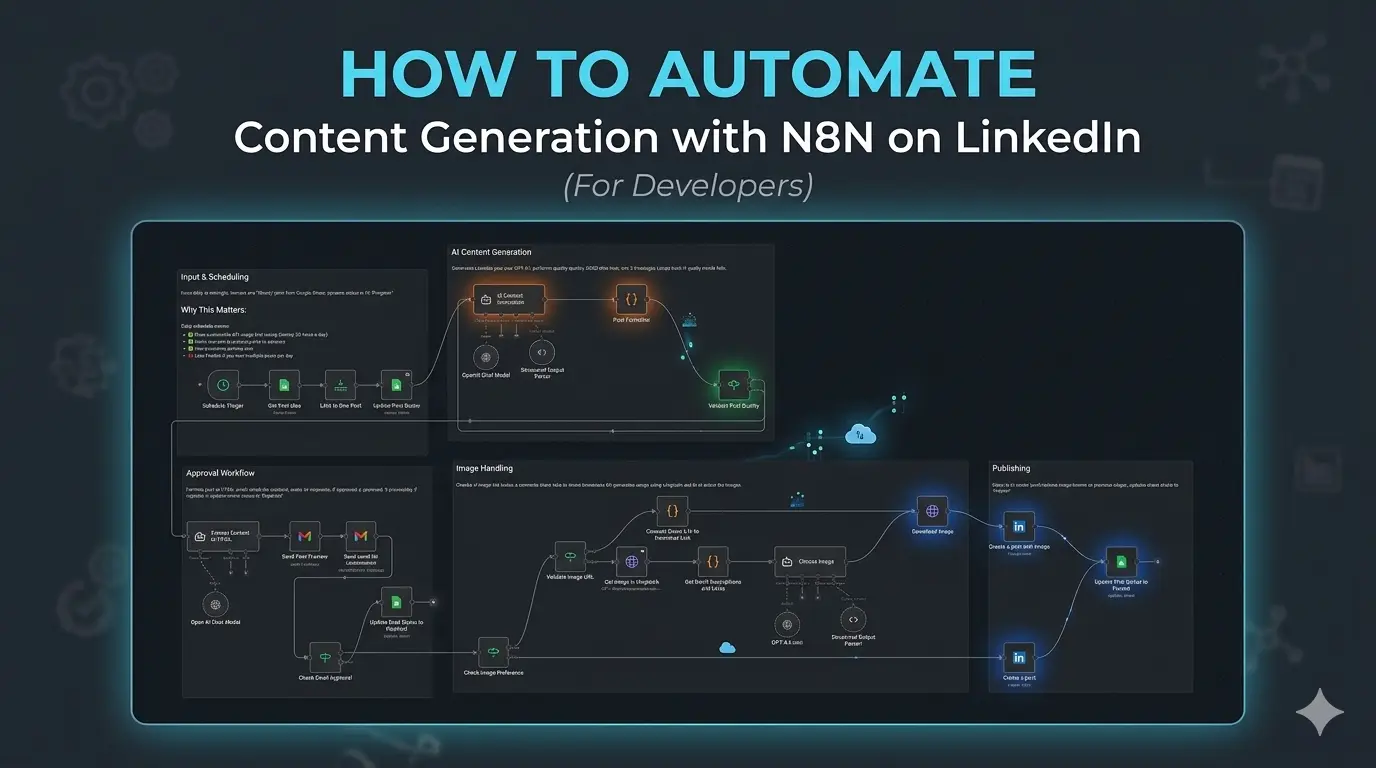
How To Automate Content Generation with N8N on LinkedIn (For Developers)
In my last blog, I shared how I deployed a production-ready version of n8n. You can read that blog here. In this article, I share how to create a simple workflow that will let you automate content generation on LinkedIn.
Now, as developers, we want control over our posts, and we do not want the AI slop to populate our and ruin our LinkedIn. To avoid this, we need to quality-control our posts. The content is generated by us, AI refines it, automates the publishing pipeline, and makes sure it reaches the users daily.
Pipeline
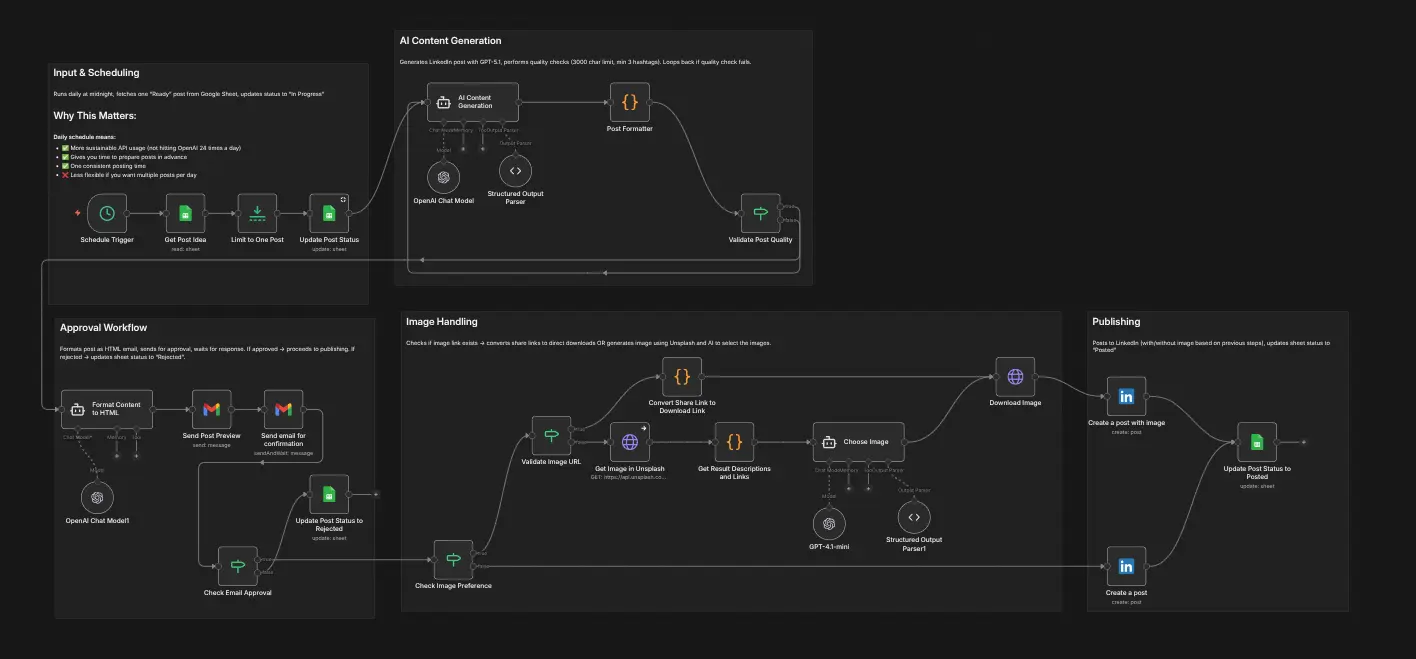
The pipeline is divided into five critical portions:
- Input and Scheduling: This section handles the input and scheduling of the posts. Ideally, I keep it to once a day, which is needed to gain maximum impressions. At the right time, The schedule pulls the initial input from the Google Sheet.
- AI Content Generation: This section basically takes every column from the Google Sheet and passes it to AI to generate the post. We also recheck the generated post using AI to make sure it matches our criteria regarding the post.
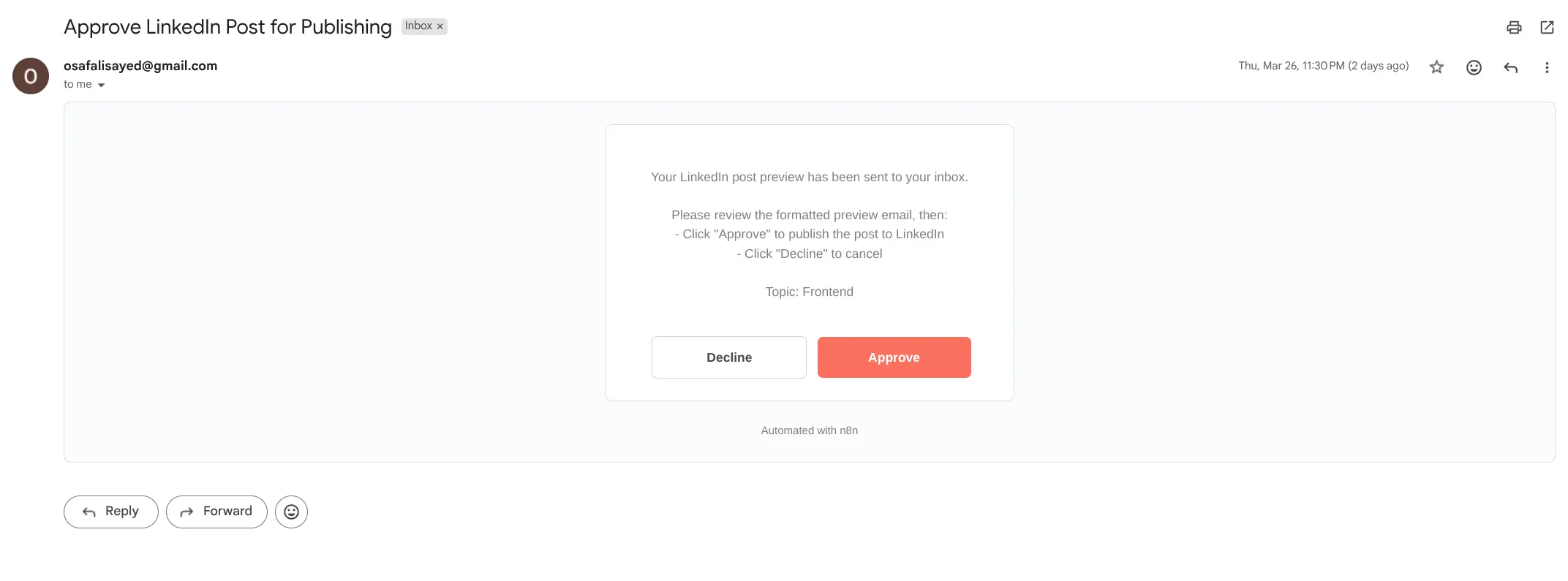
- Approval Workflow: Once a post is generated, it is formatted and placed into an email template, where, along with the post content and approval-decline message, it is sent directly to the email. If the user approves, we proceed. Otherwise, we mark the status of the post as Rejected.
- Image Handling: Then this workflow picks and downloads the image if it is provided, or downloads the most relevant image from Unsplash using AI, then uses it to create the final post.
- Publishing: Finally, the post is published on LinkedIn, and the post link and post status are updated in the sheet.
Setup
If you are running a self-hosted version of N8N, the setup is pretty complicated. You need to set up Google Console, LinkedIn Apps, Google Sheets, and OpenAI. You can follow the steps taken and the original workflow in the link here.
Changes
Personally, this workflow is good, but it needs a few modifications. I added these based on my own usage and how I use linkedin to post updates daily:
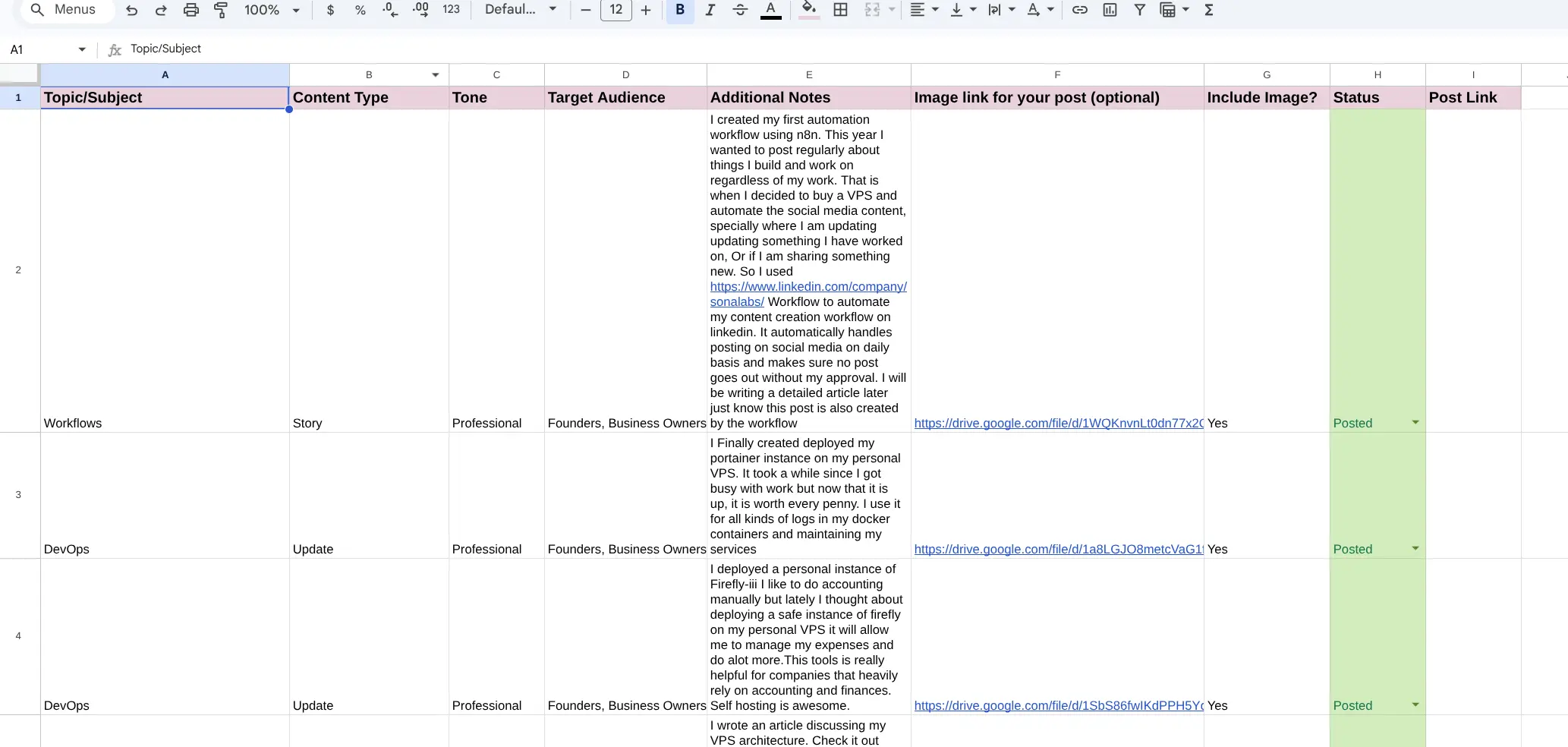
- Post Link Tracking: After a post is created, it updates the LinkedIn Google Sheet with the post link just so I can track my posts. I use them later to send applications to clients as well. If a post does well, I keep it saved and marked so that I can share it with relevant clients on Upwork or any platform.
- Video Content Generation: The current pipeline does not support video content generation, so basically, if a video is provided as a link, it should download it and upload it on LinkedIn, which would also be awesome, considering I share a lot of update videos on LinkedIn.
- Content Research: You can create a separate bot that fetches the latest tech updates and then use those to write about the most up-to-date article.
Benefits
Now that I have my workflow running on production, I do not worry about content generation anymore. I simply write down the idea in the sheet, and the details that are needed in the Google Sheet. It combines everything to generate a post with bare minimum input from my end, and using AI. I just approve, and it gets posted.
I do not enjoy posting daily; however, I do enjoy working daily. With this workflow, I don't worry about the next post. Whenever I am free, I sit down and create something, and simply write the updates in the sheet at the end of the day. It is automatically created for me. This workflow has saved me countless hours in the past week itself.